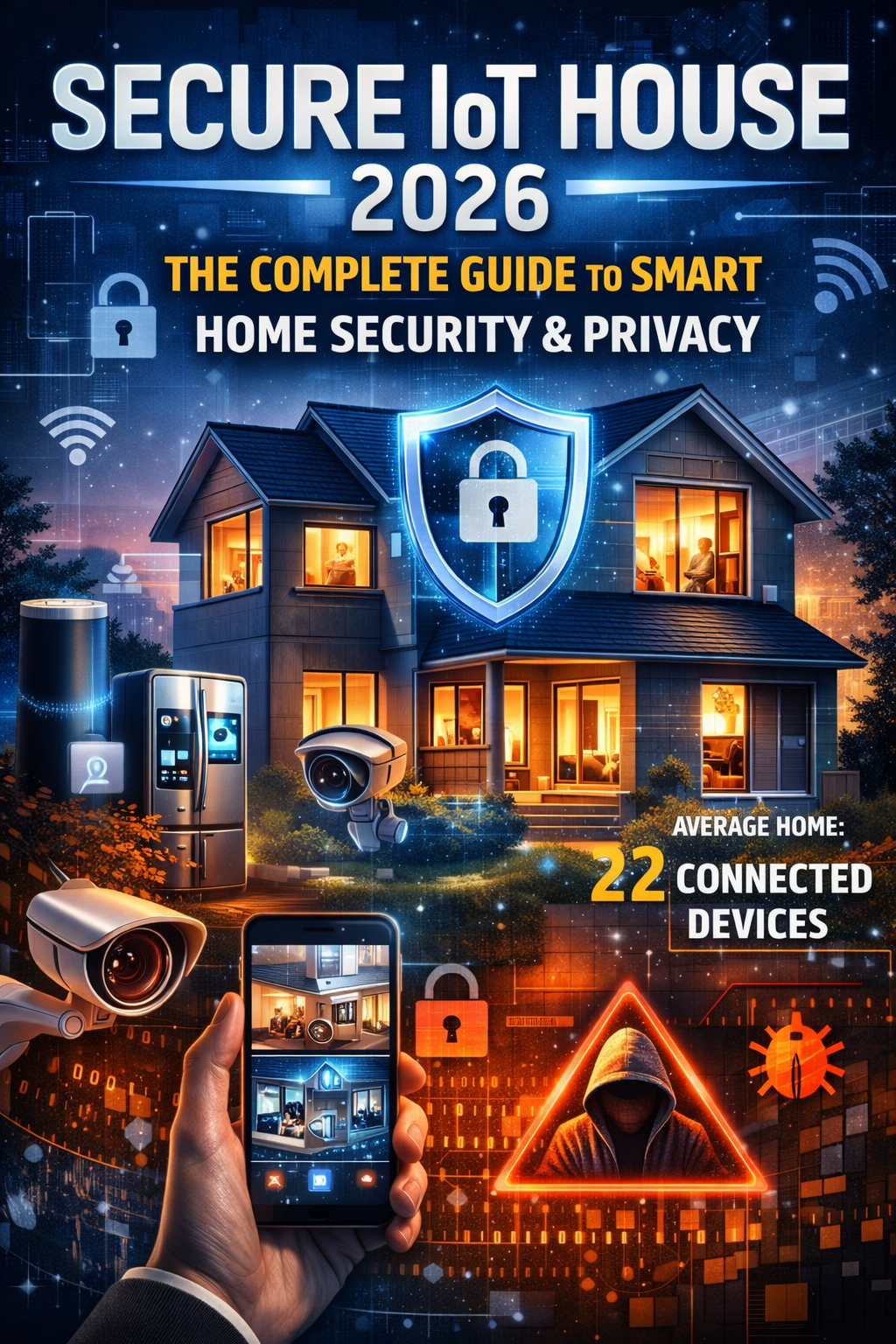
Introduction In an era where smart home devices are becoming integral to our daily lives, securing your home network is more crucial than ever. A secure home network protects your personal data, smart devices, and overall privacy from cyber threats. This guide will walk you through the steps to set up a secure home network, ensuring your digital life remains safe and protected.
What You’ll Need
- A modern router with WPA3 support
- Strong, unique passwords
- Security software
- Regular firmware updates
Step-by-Step Guide
1. Change the Default Router Name (SSID) and Password
- Why it’s important: Default settings are easy targets for hackers. Steps:
- Access your router’s settings through the web interface (usually at 192.168.1.1 or 192.168.0.1).
- Log in with the default credentials found on your router or in the manual.
- Navigate to the wireless settings to change the SSID (network name) and the router’s default password.
- Choose a unique and complex SSID and password.
2. Enable WPA3 Encryption
- Why it’s important: WPA3 is the latest and most secure Wi-Fi encryption standard. Steps:
- Access your router’s settings.
- Navigate to the wireless security settings.
- Select WPA3 as the encryption method.
- Save the changes and reconnect your devices using the new encryption.
3. Disable WPS (Wi-Fi Protected Setup)
- Why it’s important: WPS can be exploited by attackers using brute force attacks. Steps:
- Access your router’s settings.
- Locate the WPS settings (usually under advanced wireless settings).
- Disable WPS to prevent unauthorized access.
4. Set Up a Guest Network
- Why it’s important: Isolates your main network from guests, reducing security risks. Steps:
- Access your router’s settings.
- Navigate to the guest network section.
- Enable the guest network and set a unique password.
- Limit the guest network’s access to your main network and devices.
5. Update Router Firmware Regularly
- Why it’s important: Firmware updates patch security vulnerabilities. Steps:
- Check the manufacturer’s website for firmware updates.
- Access your router’s settings.
- Navigate to the firmware update section and follow the instructions to update.
6. Enable Network Encryption
- Why it’s important: Encrypts data transmitted over the network, protecting it from eavesdroppers. Steps:
- Access your router’s settings.
- Ensure WPA3 encryption is enabled (if not, use WPA2 as a fallback).
- Avoid using WEP encryption as it is outdated and insecure.
7. Use a Strong Network Password
- Why it’s important: A strong password reduces the risk of unauthorized access. Tips:
- Use a mix of letters, numbers, and symbols.
- Avoid common words or phrases.
- Change the password regularly.
8. Disable Remote Management
- Why it’s important: Prevents unauthorized access from outside your home network. Steps:
- Access your router’s settings.
- Navigate to the remote management section.
- Disable remote management to block external access.
9. Enable a Firewall
- Why it’s important: Adds an extra layer of protection against cyber threats. Steps:
- Access your router’s settings.
- Navigate to the firewall settings.
- Enable the firewall and configure any additional settings for optimal protection.
10. Monitor Connected Devices
- Why it’s important: Helps detect any unauthorized devices on your network. Steps:
- Access your router’s settings.
- Navigate to the connected devices section.
- Regularly review the list of connected devices and remove any that are unfamiliar.
Conclusion Securing your home network is crucial for protecting your smart home devices and personal data. By following these steps, you can significantly reduce the risk of cyber threats and ensure a safe and secure digital environment at home. Regularly review and update your network security settings to stay ahead of potential threats.
Call to Action For more detailed guides and the latest in smart home security, subscribe to our newsletter and stay updated with Secure IoT House.